

 Aman Gupta
Launching blogger referral widget is very simple with invitereferrals.com. If you are not signed up with InviteReferrals already, you’ll need to do so. Please sign up and create a referral campaign for your Blogger blog first. Sign up for free now !!
Follow these steps to add InviteReferrals integration code to your blog:
1. Go to Layout tab in the Blogger dashboard
Blogger admin > left sidebar > Layout

2. Select Gadgets
Gadget list > Add a gadget
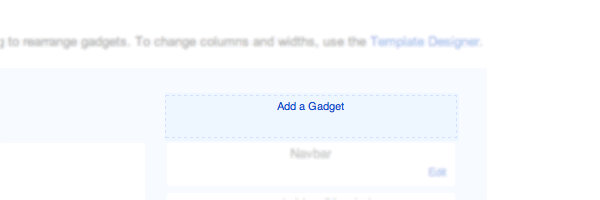
3. Add an HTML/Javascript type gadget
Add a Gadget > HTML/Javascript

4. Copy-paste InviteReferrals integration code into this gadget and save
Get your InviteReferrals integration code from the documentation section -> Javascript code. First login to the site and then copy the code so that the secret keys are already prefilled.

Thats it! Your Blogger referral widget is ready. You can customize anything from the admin panel. No code changes are needed on your blogger blog.


 Siddharth
 Deepak Gupta
 Shivani


I couldn’t copy the code. Please enable text-copy on your blog
Very nice tips and cod but how to copy this code
Thanks, Jamil, that’s very kind of you!