
 Tanya
TanyaModern logo makers have transformed the way logos are created.
Today, designing a custom business logo requires less effort, time, and budget. In just a few steps and through flexible dashboards, businesses can create logos in seconds. All you need is a business name, a few details about your business, and some imagination.
The rest is magic to witness.
The only challenge is that there are hundreds of online logo makers available on the market, and choosing the right one can feel overwhelming.
To help you get started, we tested and reviewed some of these tools for you. Before we dive in, here is a quick overview of each one.
| AI Logo Generation Feature | Trustpilot Rating | Pricing | |
| Design.com | ✅ | 4.7/5 | Free logos, business cards, websites, and other designs available.Starter (Logo Pack): $5 per month billed annuallyValue (Logo Pack + Website): $6 per month billed annuallyPremium (Logo Pack + Website + More): $7 per month billed annually |
| BrandCrowd | ✅ | 4.7/5 | The platform offers access to free logos, websites, business cards, and more design assets.Starter (Logo+ 50 Design tools): $5 per month billed annuallyValue (Logo + 50 Design tools + Website): $6 per month billed annuallyPremium Logo + 50 Design tools + Website + More): $7 per month billed annually |
| Logomaker.com | ✅ | 3.8/ 5 | For downloading the logo in high-resolution files (such as SVG, EPS, PDF), the pricing begins at $40 (a one-time purchase). |
| Brandmark.io | ✅ | 2.6/5 | A one-time download of a single logo in PNG format costs $35 (Basic plan). |
| DesignEvo | ❌ | 4.8/5 | A one-time download of a single logo of up to 5000 px costs $24,99. |
- Design.com
Starting with Design.com, a full logo and design creation platform. It allows businesses of all types and industries to create high-quality logos and other marketing materials tailored specifically to their businesses. A perfect proof of this is the wide selection of Industry-specific logo templates in the “Logos” section on Design.com’s website. You can find yours, and if not, continue with custom logo generation.
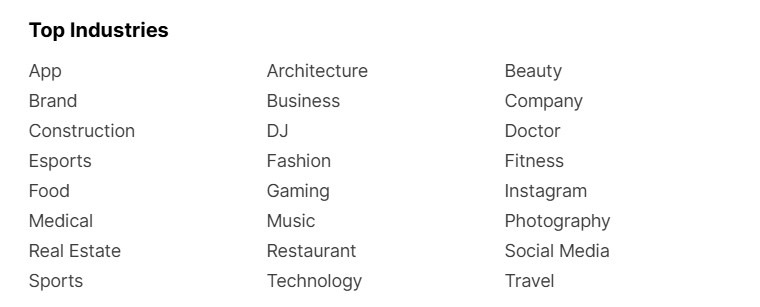
Design.com also offers a list of AI generation tools not only for logo making, but also to generate business and domain names, flyers, posters, presentations, and even build websites. This makes it possible to form your brand identity from scratch and include everything needed for successful marketing campaigns.
Such flexibility in the design process is thanks to:
- The world’s largest library of over 500,000 logo templates
- 62,000+ custom, vector shapes
- Over 750+ fonts and 525+ exclusive fonts
- A built-in AI chatbox to write your ideas and get instant results
The platform offers a wide selection of completely free logos and other design assets that are safe for commercial use. With extended logo licenses, users can remove selected logo templates from the platform’s library, receiving exclusive rights to use those designs.
How We Tested The Tool
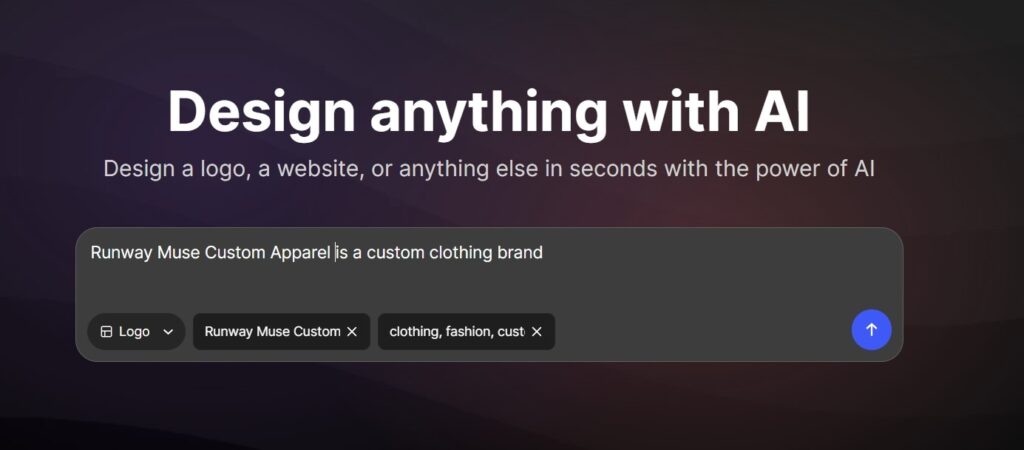
To see how the Design.com logo generator works, we have typed an example business name with a short description in a special starting box. We also provided relevant keywords for clarification.
The results were instant. The tool generated over 14,000 logo templates, based on the description and business name. Even a short one-line description was enough to get quite appealing starting templates.
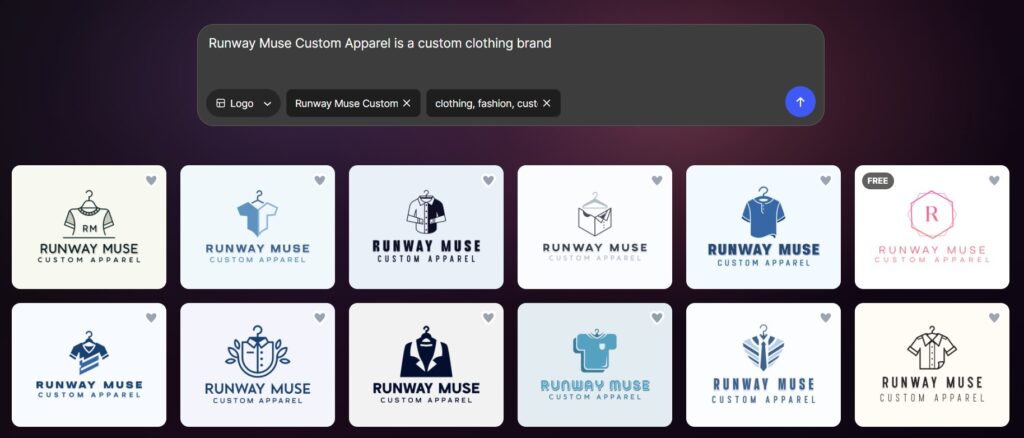
We scrolled down and selected the preferred design and started working on it. We could further customize the text, layout, fonts, and much more.

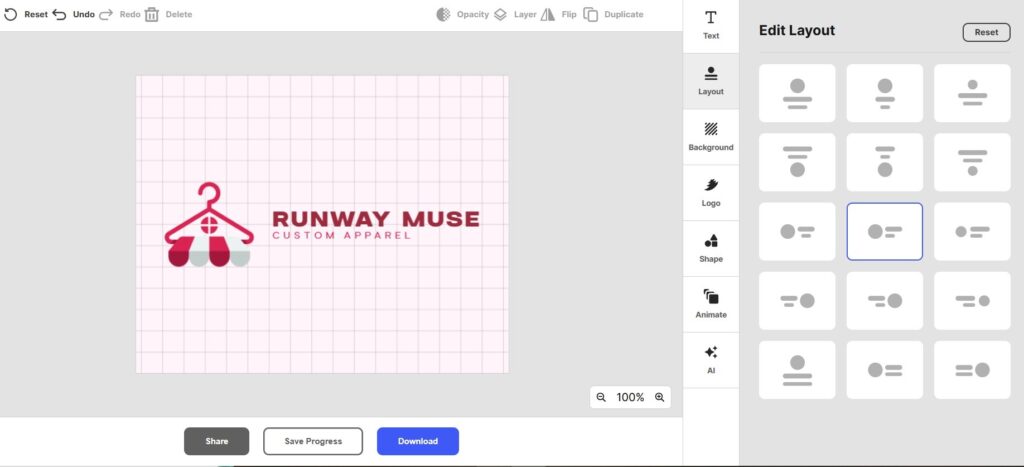
As we needed to add some additional details, we decided to write down our ideas in the built-in AI chatbox and got instant results, just as we imagined it to look like. Make sure to be as specific as possible here.
The tool also allowed us to preview our logo design on different branding materials, such as business cards, websites, or smartphone interfaces.
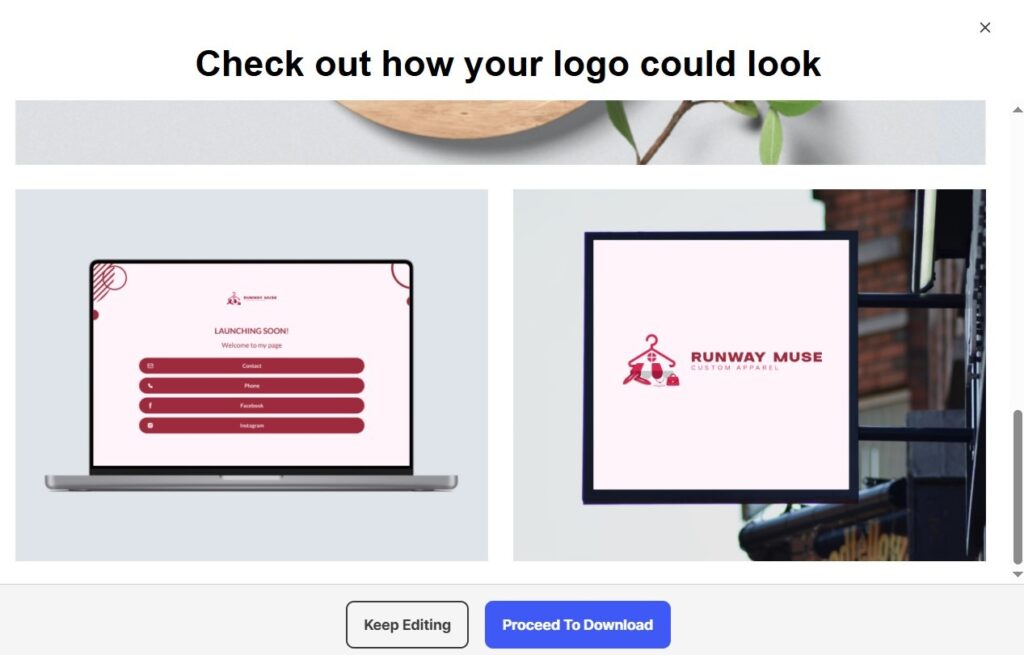
We could also save the logo for later or download it right away in high-resolution file formats.
Pricing Plans
Design.com offers an extensive selection of free logos, business cards, websites and other design elements. After downloading a free logo, you can also access its 50+ design tools, a free website builder, a link-in-bio creator, and a digital business card maker.
And these are the main pricing plans offered by Design.com, each offering its features and toolkit.
Note that currently the platform suggests an 80% off on logos.
- Starter (Logo Pack): $5 per month billed annually
- Value (Logo Pack + Website): $6 per month billed annually
- Premium (Logo Pack + Website + More): $7 per month billed annually
Our Results
Design.com is definitely a go-to solution for businesses looking to design, edit, and use marketing assets. The overall logo creation process was fast, smooth, and easy to follow. The library of colors, symbols, and other design elements was extensive. We especially liked the AI chatbox, which could bring almost any idea to life if you couldn’t find exactly what you were looking for in the available selection. The pricing package is also affordable, considering the flexible features included in each of them.
⭐ Trustpilot Rating: 4.7/5
- BrandCrowd
BranCrowd is another all-in-one design platform that enables businesses of any industry to create various designs necessary for a complete brand identity.
As you enter its website, you can see separate sections of ready-made and completely free templates for logo making (over 380,000 options), social media posts, and website building.
The templates are designed for industries such as fashion, music, restaurants, and a lot more, so that every business can find what they are looking for and have a firm starting point.
BrandCrowd’s logo designs are also commercially safe to use.
For businesses representing specific industries or failing to find their industry in the list, it is also possible to begin the logo design process through an AI logo generator. By providing a detailed description of their business, the platform will generate thousands of templates ready for further customization.
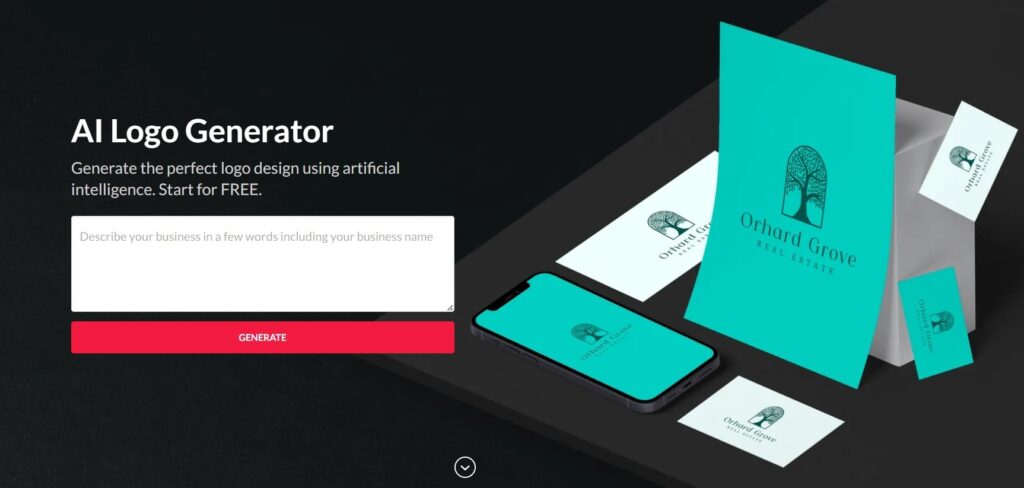
Now let’s see how BrandCrowd works on the ground.
How We Tested The Tool
To see how BrandCrowd’s logo generator works, we decided to take the previous business example: “Runway Muse Custom Apparel”. As we represent the Fashion industry, we selected the “Fashion” subsection under the “Logo Maker” section.
Enter your business name and hit Create Logos.
In our case, we received over 9000 generated results, which we could later edit and customize.
Apart from choosing from offered colors, layouts, shapes, and animation styles, there was also an “AI edit” function, which opened an interactive AI chatbot to generate the inserted ideas.
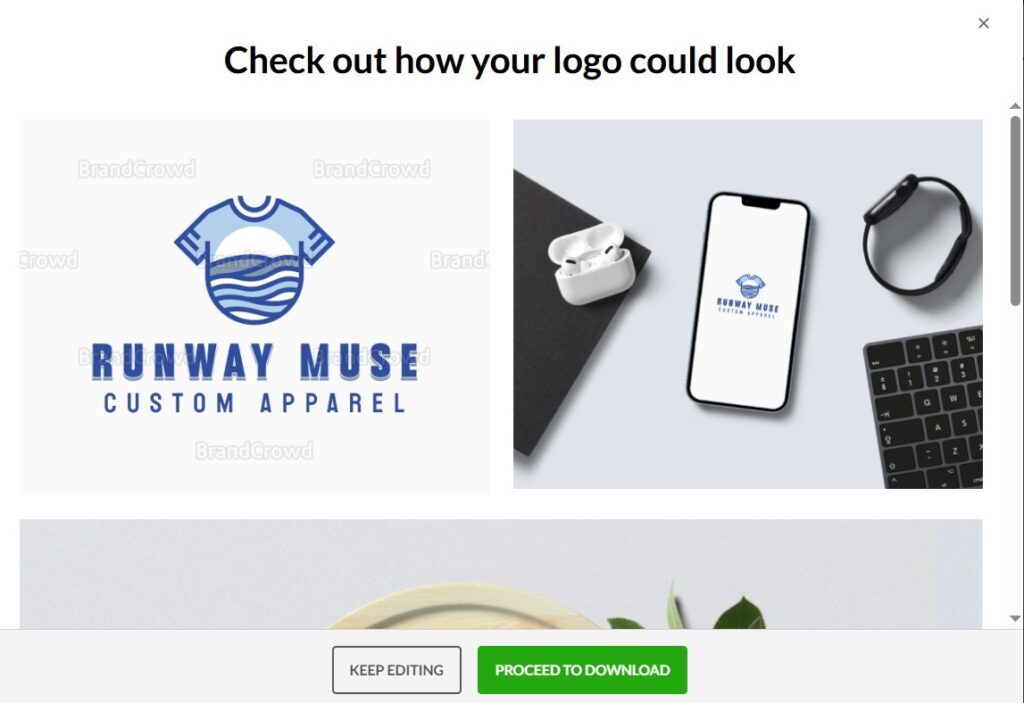
On BrandCrowd, too, it was possible to preview our logo on different branding materials. To do so, click the eye icon in the upper right corner.
You could also save your logo design to get back to it later or proceed to download (in various formats such as SVG, PDF, PNG, GIF & MP4, and more).
Pricing Plans
To unlock more design tools and features, you can subscribe to BrandCrowd’s pricing plans.
Currently, there is an 80% discount on logos.
- Starter (Logo+ 50 Design tools): $5 per month billed annually
- Value (Logo + 50 Design tools + Website): $6 per month billed annually
- Premium Logo + 50 Design tools + Website + More): $7 per month billed annually
Our Results
BrandCrowd was also a perfect tool for logo making, and not only that. Its smooth and user-friendly platform interface allowed us to create a unique and high-quality product for our example business in just 3 steps. The editing dashboard was also rich in customization features, which offered design components and an AI chatbox.
⭐ Trustpilot Rating: 4.7/5
- Logomaker.com
Our next tested tool is Logomarker.com.
Logomaker is an AI-driven logo design platform that offers creating and editing logo designs in minutes, based on the business information users provide.
The platform offers 1000+ logo designs and a variety of ready-made samples to customize. Apart from logos, with Logomaker you can also create business cards and websites.
How We Tested The Tool
To start generating a logo, first, we needed to enter our business name and industry. Here, too, we went with the same example of a clothing brand to see how the tool works.
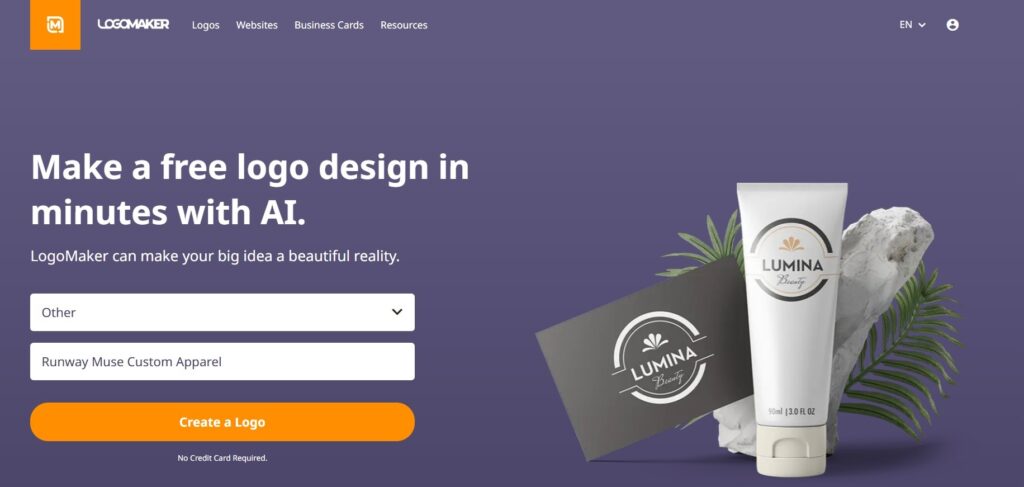
After entering our business name and industry, the tool generated more specific keywords. It also opened a box for us to describe our business and what our logo is for in detail.
We were then asked several questions about our business, such as “What feeling do you want your logo to give?”

After answering all 5 questions, the tool generated 4 initial logo samples. If you didn’t find your favorite, you could browse more until you finally land on the preferred one.
And finally, to customize the selected logo, you we were then redirected to the editing dashboard, to work with logo color, font and size.
You could also preview or save your design.
Pricing Plans
For downloading the logo in high-resolution files (such as SVG, EPS, PDF), the pricing begins at $40 (a one-time purchase).
Our Results
Logomaker can also be considered a useful tool for logo creation. The logo generation process was fast, and the step sequence was easy to follow. However, the questions felt somewhat complex, and answering them took longer than expected.
Unlike Design.com or BrandCrowd, the platform offered a very limited number of initial logo samples, only 4 at a time. Browsing through additional options could also take quite a while before finding a design that we liked.
⭐ Trustpilot Rating: 3.8/ 5
- Brandmark.io
Next up is Brandmark, an AI logo design tool. Through its logo-generating features and offered templates, anyone can instantly create and edit logo designs.
Brandmark also offers an AI icon generator to generate separate logo icon designs based on your description or already-offered short prompts.
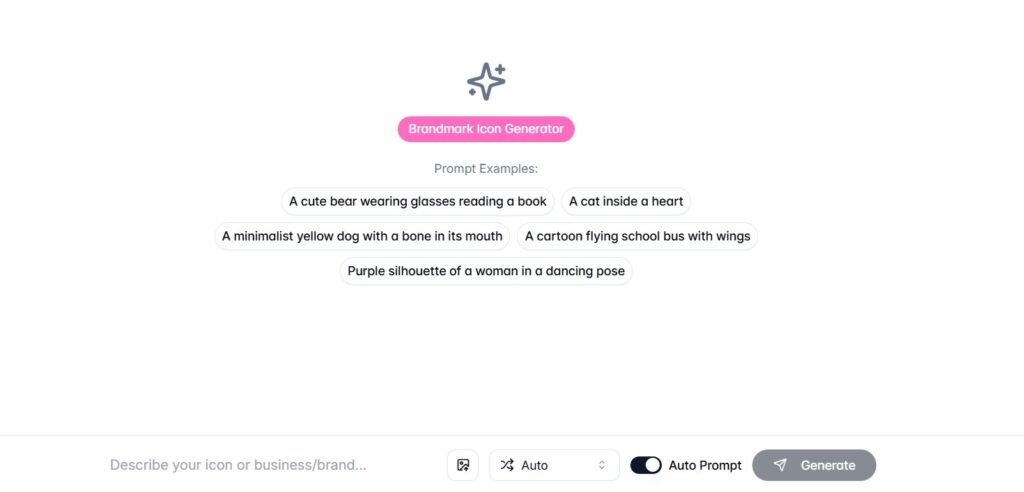
Full copyright over designs is also included for commercial and personal use.
How We Tested The Tool
We tested Brandmark’s logo generator to see how it works from the very beginning to the very end, without choosing from the ready-made templates.
After entering Brandmark’s website, you will see the “Create my logo” button to start. These were the steps we completed to be able to see the generated results and edit them.
- We entered our business name. You can also add a slogan as an optional step.
- We entered our keywords
- As a last step, we chose from the color styles
Later, the tool offered several options for generated logos, based on the information we provided.
As a final step, click “Edit” to further refine everything from colors, sizes, icons, to layout and background.
Pricing Plans
Brandmark allows you to create and edit your logo for free. However, the download is possible only after choosing its pricing plans.
A one-time download of a single logo in PNG format will cost you $35 (Basic plan).
Our Results
The overall logo creation experience with Brandmark was positive, as it was fast, smooth, and easy to follow. However, some features were limited compared to the previous three tools we tested.
For example, there is no separate section with industry-specific templates, which can be especially helpful for businesses. We also did not find an industry selection option during the logo generation process. The only way to make the logo more relevant to your industry is by adding industry-related keywords.
The number of generated logo options was also quite limited. In addition, the generated list of options was not very convenient from a visual perspective, as it did not allow us to view and compare all generated logos at once. Instead, we had to click through each design individually to see how it looked.
⭐ Trustpilot Rating: 2.6/5
- DesignEvo
DesignEvo is an online logo maker that helps individuals and small businesses create logos without needing design experience.
The platform offers more than 10,000 designed templates across a wide range of industries, making it easy to find a suitable starting point for your brand.
Users can also create a logo from scratch. On a blank page, they can add symbols, icons, texts, and more to their own logo.
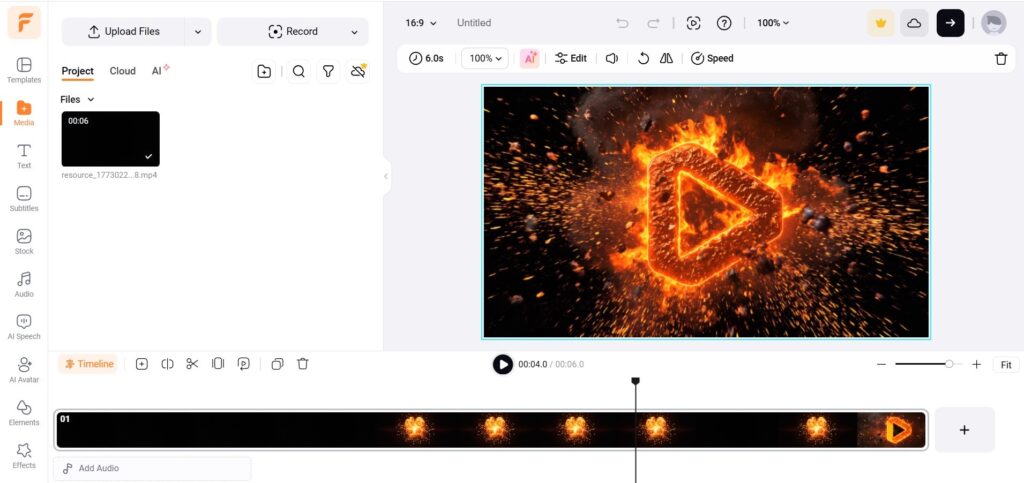
One notable feature that we noticed was the AI logo animation, which allowed to create an animation based on an imported logo design.
How We Tested The Tool
To test the tool, we decided to go with ready-made templates from the Fashion industry for our example brand.
The tool only lets us choose from the listed industries or search for our own industry.
Unlike the rest of the tools we tested above, there was no option for adding our business name, slogan, or description. It was only possible to add as text during the customization process.
Apart from editing text colors and font styles, we were also able to work on logo background colors, icons, and shapes.
There was also a Preview option available to see what our logo looked like on various branding assets.
Pricing Plans
Again, the custom creation and editing process was free; to download the final result, a subscription to pricing plans was offered.
A one-time download of a single logo of up to 5000 px (no vector files) will cost you $24,99.
Our Results
DesignEvo can also be considered a fast and easy solution for logo creation, especially if you don’t have design experience.
However, compared to the rest of the tools, some features are limited to only selecting from offered industries, with no options for describing our business in detail and getting more tailored results. There was also a limited number of customization options when working with the logo template.
⭐ Trustpilot Rating: 4.8/5
To Wrap Up
This was our experience with the tools. However, depending on your business needs, it is worth testing them yourself to see which one offers the most suitable features and delivers the best results for your brand.
We recommend starting with Design.com and BrandCrowd, as they offer the largest selection of ready-made templates. These tools also go a step further with AI-powered logo generation, allowing you to provide detailed descriptions and receive more tailored results.
During the customization process, both platforms also provide an AI chat feature, making it easy to add or refine any details you want.
Despite the differences the logo design tools carry, one thing is clear; the logo creation process has never been simpler.





Add comment